
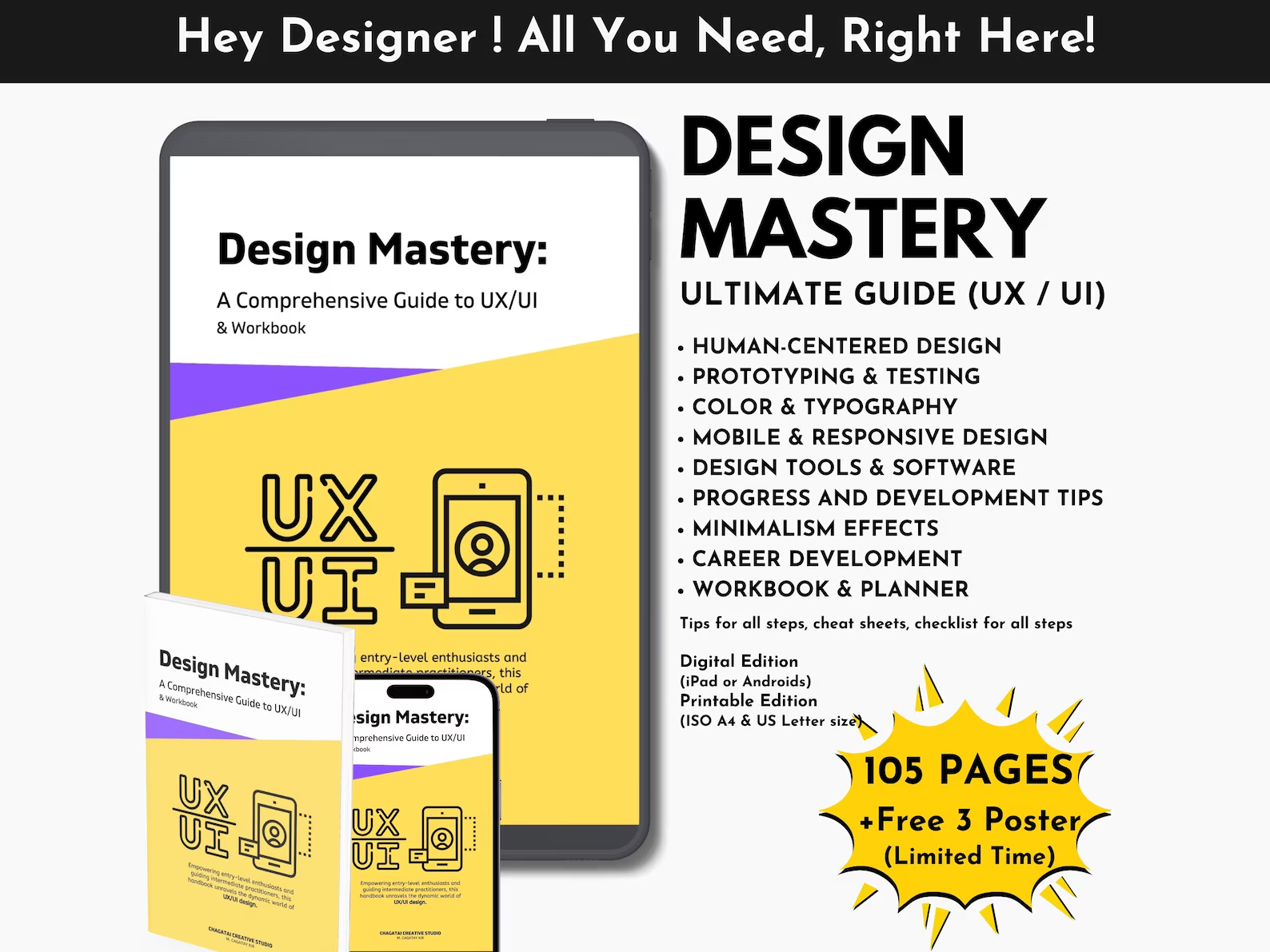

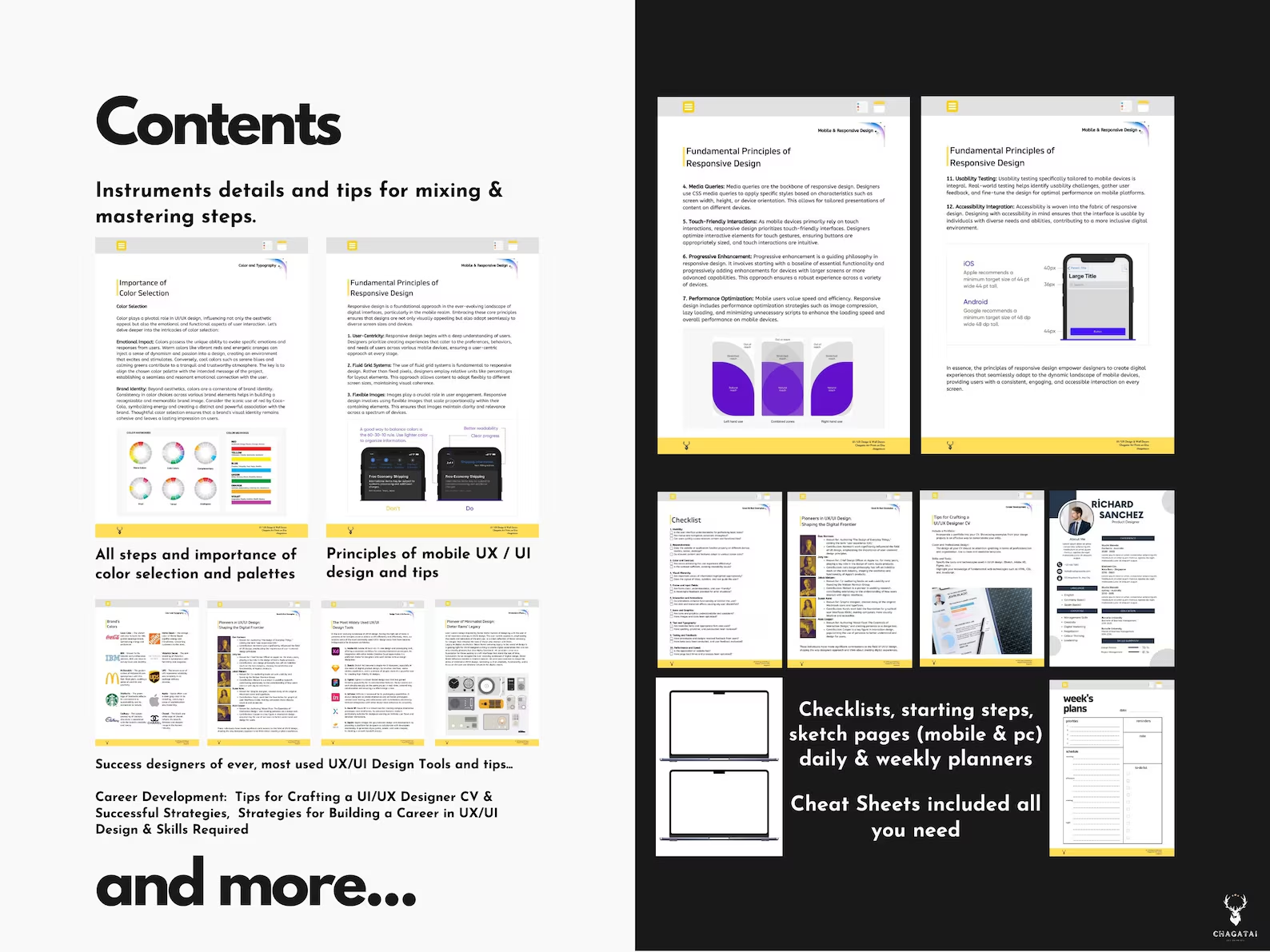
Master the fundamentals and advanced strategies of digital design with the Learn UX Design e-book — your all-in-one UX UI guide PDF. This instant download covers everything from user experience principles, prototyping, testing, color theory, and typography to mobile responsiveness and minimalist UI design.
Perfect for students, aspiring UX/UI designers, and professionals looking to sharpen their skills, this UX UI design e-book includes practical exercises, a planner section, and career tips to help you build your portfolio, prepare a professional CV, and secure roles in the design industry.
The guide goes beyond theory with real-world case studies, good and bad design examples, and step-by-step frameworks for building better user experiences. Whether you’re working on mobile apps, responsive websites, or interactive animations, this digital UX learning PDF is your essential companion.
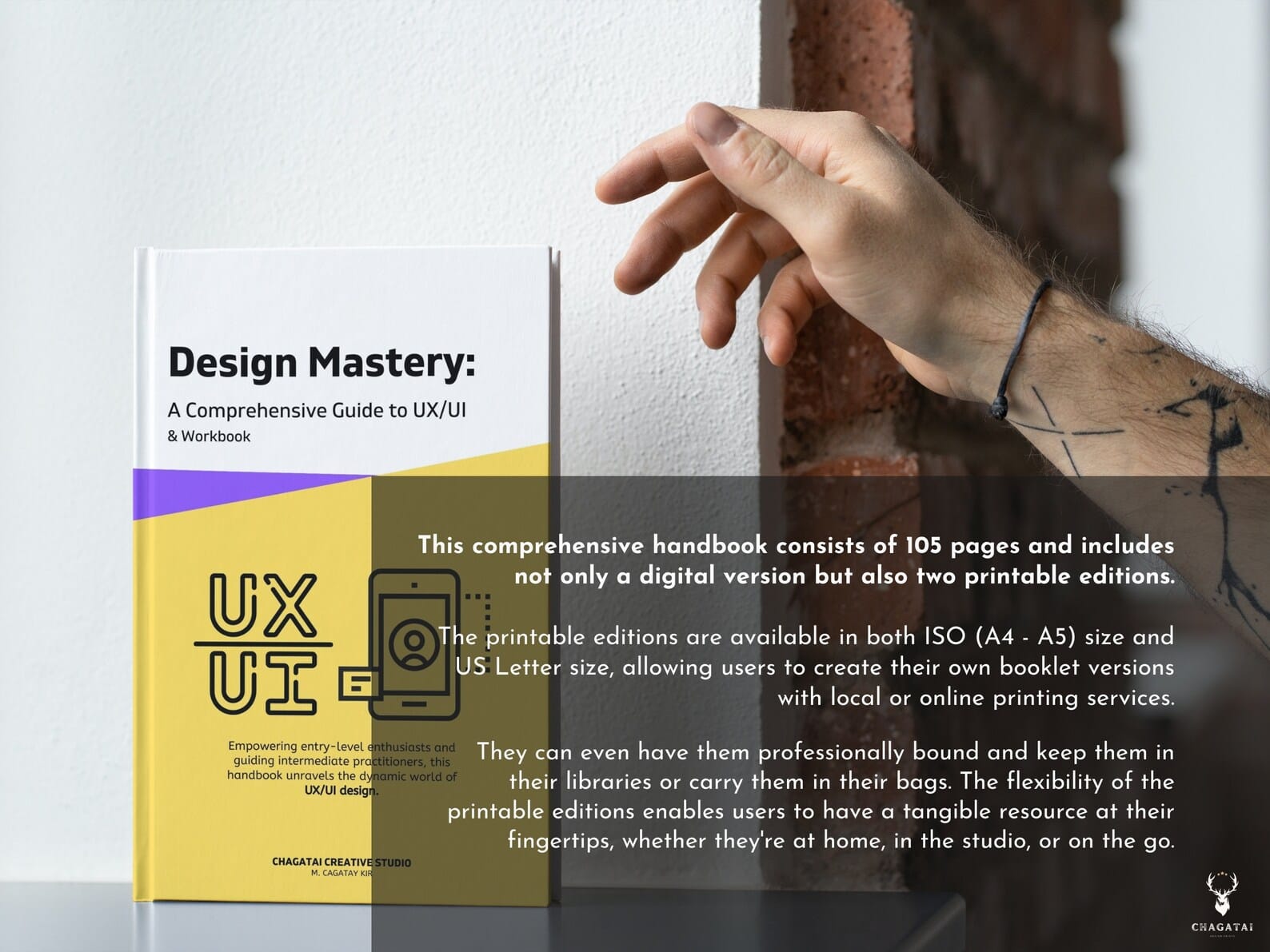
Download instantly, open on iPad, laptop, or smartphone, and start learning right away. With 300 DPI high-resolution PDF files in multiple formats (A4, A5, US Letter), you’ll have a flexible and comprehensive tool for your design career.
Table of Contents:
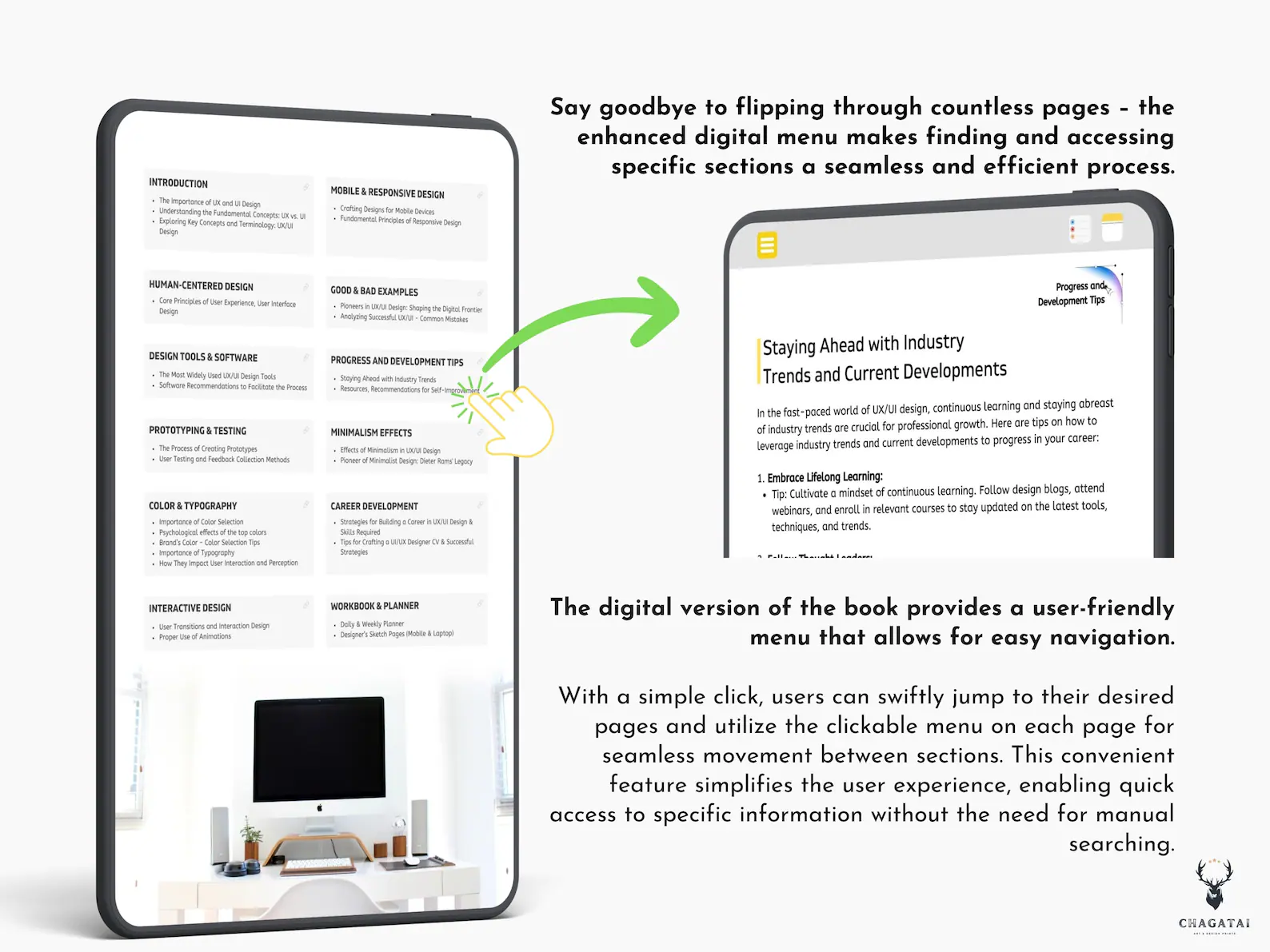
1. INTRODUCTION
The Importance of UX and UI Design
Understanding the Fundamental Concepts: UX vs. UI
Exploring Key Concepts and Terminology: UX/UI Design
2. HUMAN-CENTERED DESIGN
Core Principles of User Experience and User Interface Design
3. DESIGN TOOLS & SOFTWARE
The Most Widely Used UX/UI Design Tools
Software Recommendations to Facilitate the Design Process
4. PROTOTYPING & TESTING
The Process of Creating Prototypes
User Testing and Feedback Collection Methods
5. COLOR & TYPOGRAPHY
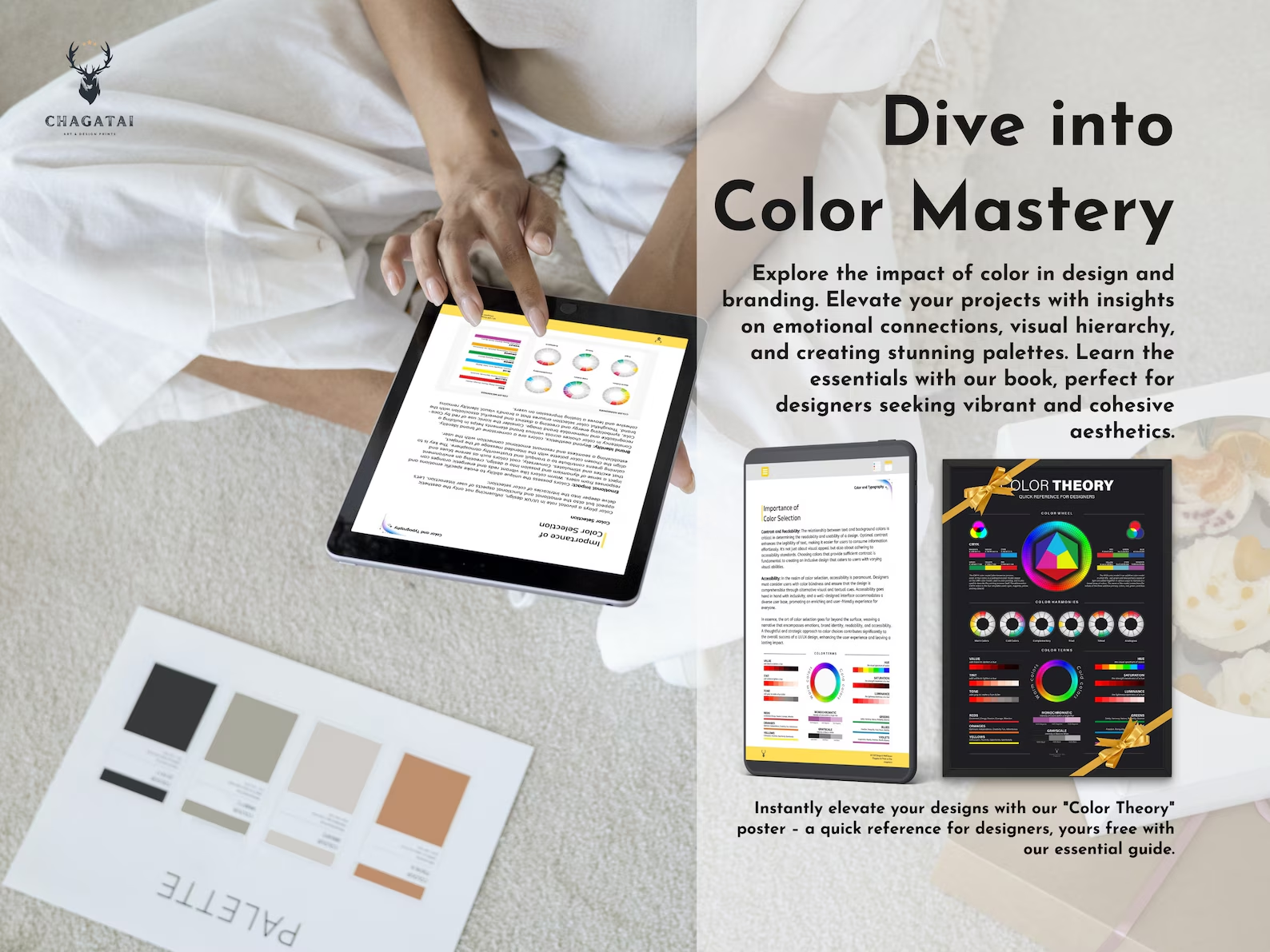
Importance of Color Selection
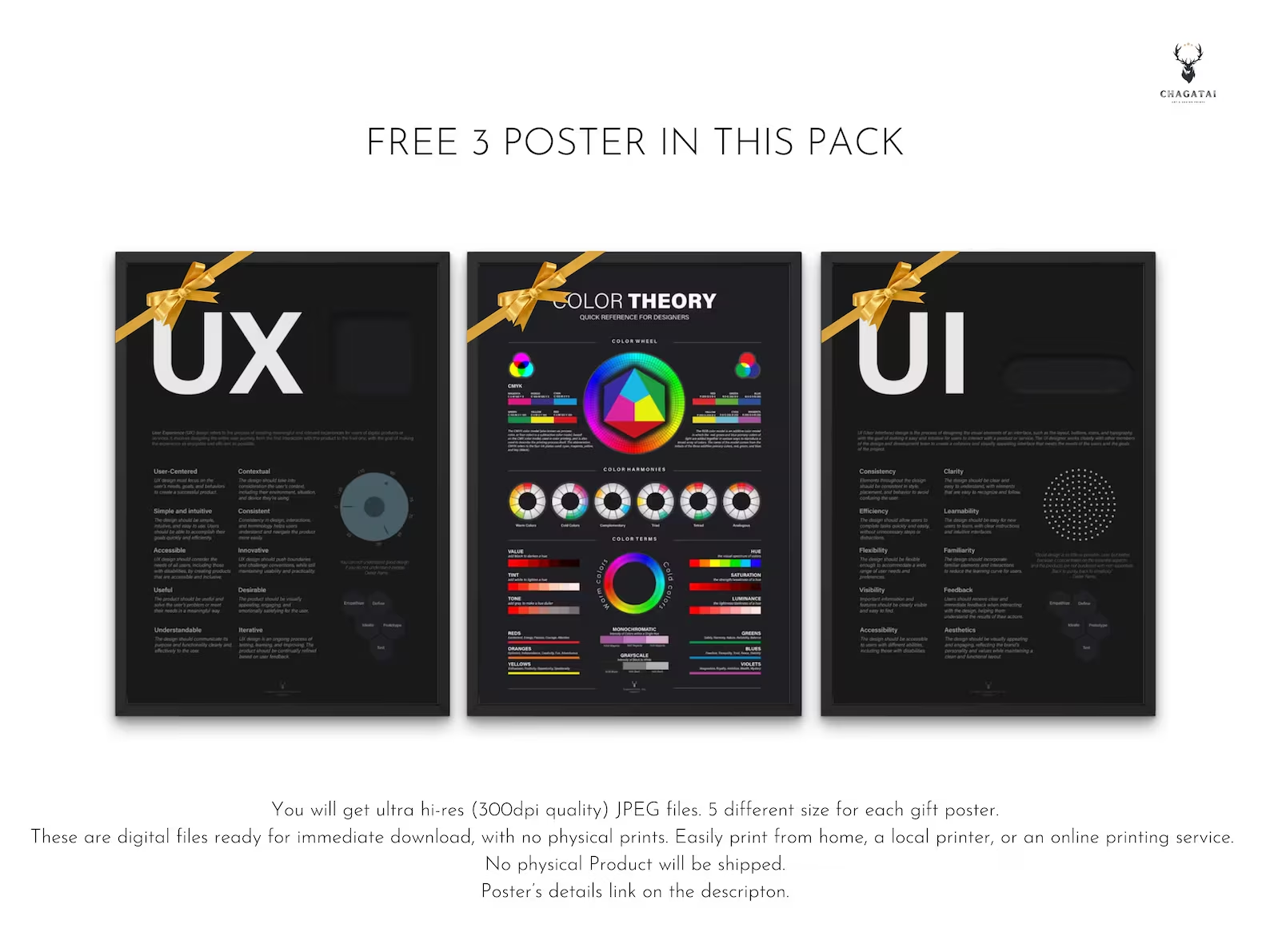
Psychological Effects of the Top Colors
Brand’s Color – Color Selection Tips
Importance of Typography
How They Impact User Interaction and Perception
6. INTERACTIVE DESIGN
User Transitions and Interaction Design
Proper Use of Animations
7. MOBILE & RESPONSIVE DESIGN
Crafting Designs for Mobile Devices
Fundamental Principles of Responsive Design
8. GOOD & BAD EXAMPLES
Pioneers in UX/UI Design: Shaping the Digital Frontier
Analyzing Successful UX/UI Designs – Common Mistakes
9. PROGRESS AND DEVELOPMENT TIPS
Staying Ahead with Industry Trends and Current Developments
Resources and Recommendations for Self-Improvement
10. MINIMALISM EFFECTS
The Magic of Minimalism: Effects of Minimalism in UX/UI Design
Pioneer of Minimalist Design: Dieter Rams’ Legacy
11. CAREER DEVELOPMENT
Strategies for Building a Career in UX/UI Design & Skills Required
Tips for Crafting a UI/UX Designer CV & Successful Strategies
12. WORKBOOK & PLANNER
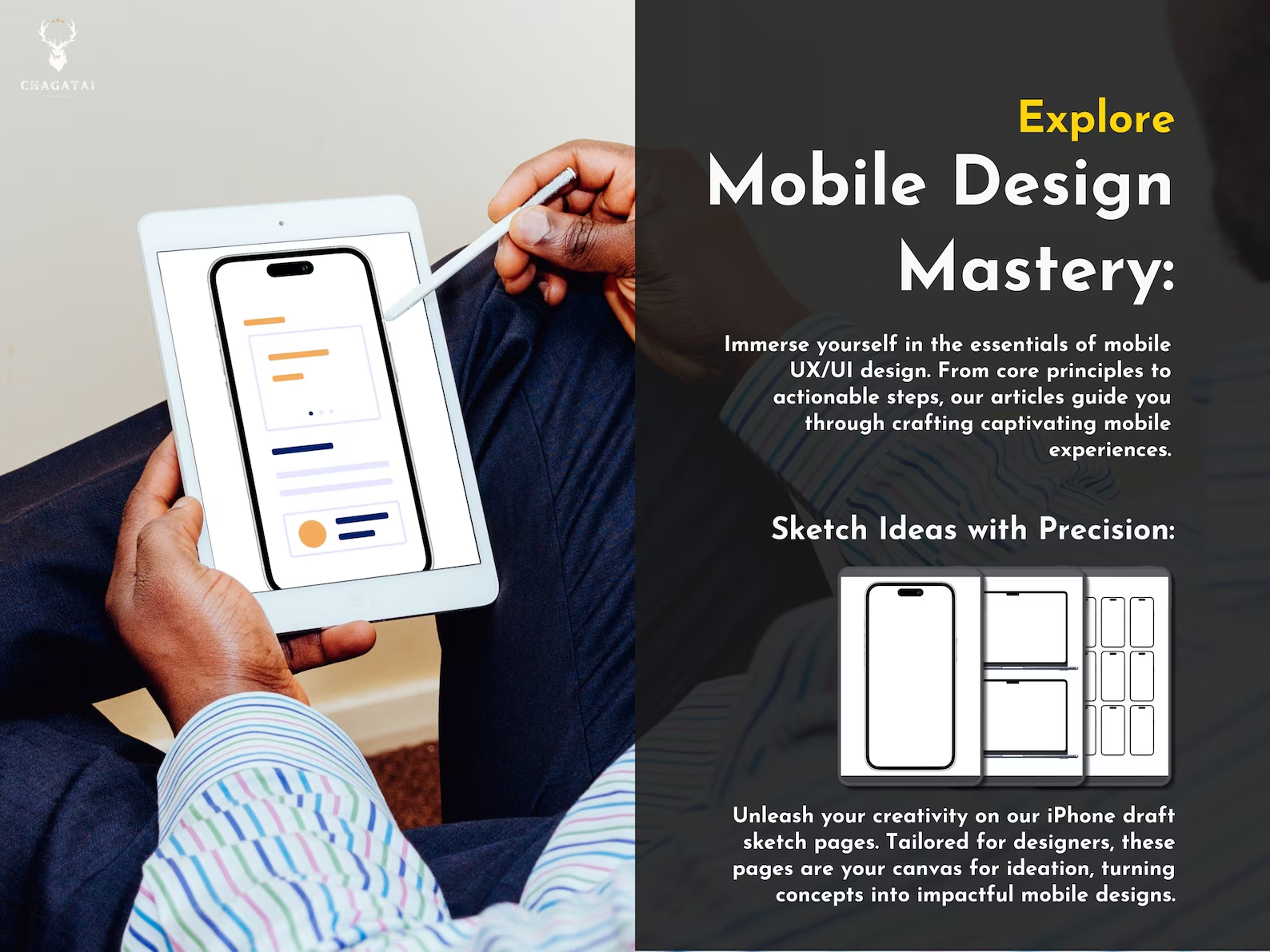
Designer’s Sketch Pages
Katya S. –
Good/bad UI examples trained my eye. My critiques are sharper now thanks to this UX UI Design E-Book.
Diego M. –
We adopted the testing scripts and responsive rules into our team playbook. Strong UI Design Learning Resource.
Hannah W. –
The UX UI Minimalism Effects chapter helped me simplify flows without losing clarity—users noticed.
Ben T. –
Clear frameworks reduce decision fatigue. This Learn UX Design guide keeps me focused in sprints.
Luisa G. –
I assign chapters to mentees. The UX UI Education Resource format scales well for groups.
Ahmed R. –
No fluff—just practical guidance from research to visual design. Excellent Learn UX Design reference.
Avery B. –
Sketch pages and prompts keep me practicing weekly. This UX UI Digital Planner Workbook is actually useful.
Nikhil G. –
Bridges the gap between bootcamp demos and real job expectations—especially the testing and case study parts.
Sara J. –
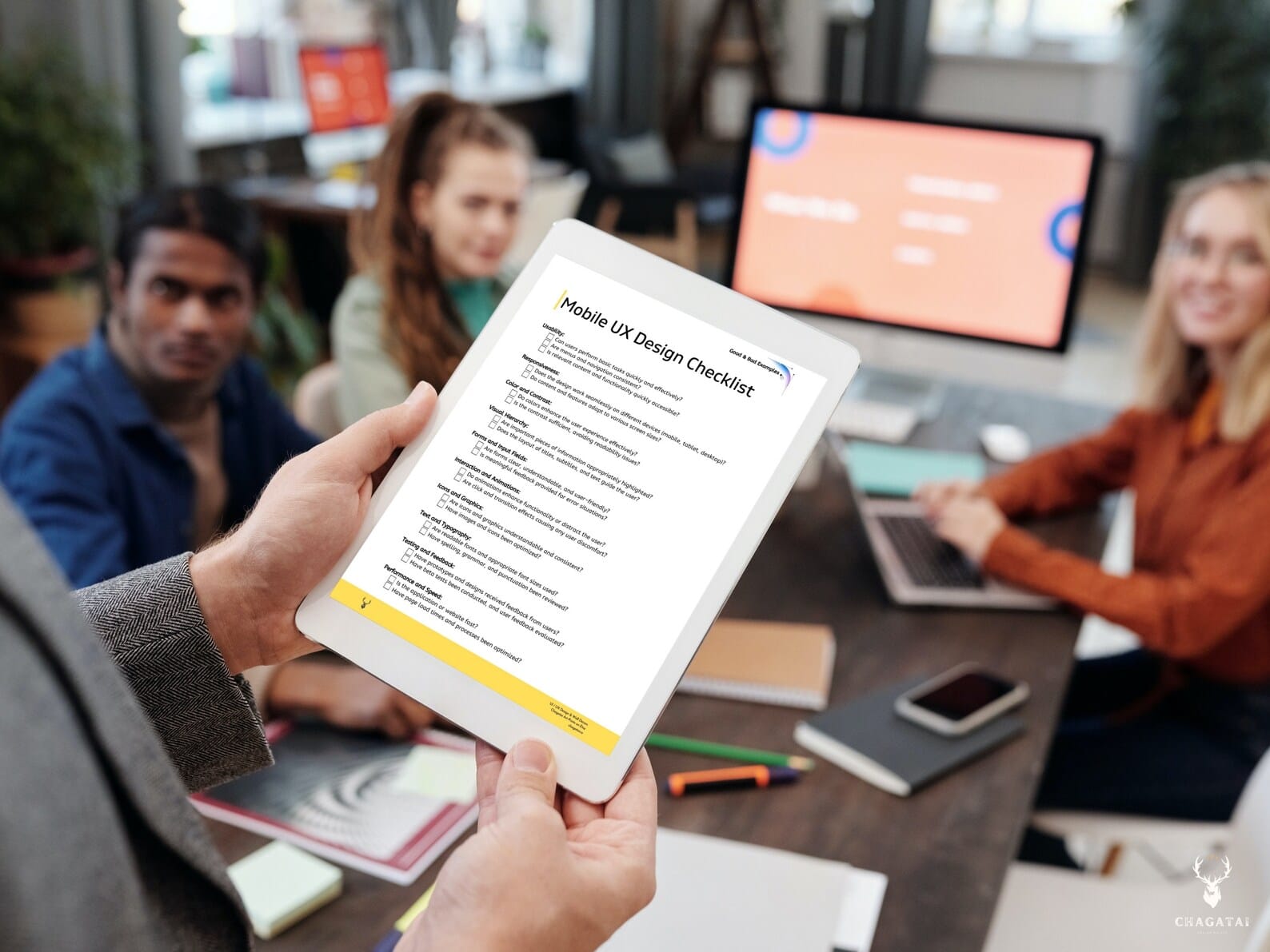
Love the accessibility and motion checklists. I reused them in two client projects already.
Viktor K. –
I used the chapter order as a study plan. The Learn UX Design pacing is perfect for evenings and weekends.
Julia M. –
The portfolio & CV templates sharpened my story. I referenced the UX Design Guide PDF in interviews with confidence.
Carlos R. –
Color and type sections help me make faster decisions. Useful UI Design Learning Resource for daily work.
Chen W. –
We gave it to interns. The UI typography and color system pages are now our shared reference.
Fatima Z. –
Breakpoints and grids were explained simply with diagrams. Great Digital UX Design Learning PDF for web teams.
Elena P. –
Diagrams and examples are crisp even when printed. The A4/US Letter editions are handy for class printouts.
Hassan A. –
The Learn UX Design structure moves from fundamentals to deliverables to career. Prototyping/testing frameworks, responsive patterns, and the portfolio chapter form a true roadmap. I’ve been mentoring juniors and this PDF is now my primary recommendation.
Priya S. –
The CV tips and case study structure improved my applications. Shortlists came quickly after revising with this guide.
Marco D. –
Each chapter ends with tasks. It’s a Learn UX Design workbook, not just theory—really effective for retention.
Nadia K. –
Explains UX vs UI clearly. The planner helps build habits. Great for anyone starting to learn UX design fast.
Liam S. –
Practical, printable, and concise. I keep it open on my iPad during sprints—great UX UI Design E-Book.
Ola Nowak –
Color theory + accessibility checklists are excellent. Helped my team design inclusive UI states.
K. Nguyen –
I teach HCI and use sections as handouts. The UX UI Education Resource format is clean and printable (A4/US Letter).
Ana Martins –
Usability scripts and feedback forms saved me hours. Perfect Learn UX Design toolkit for small teams.
Omar H. –
Typography scale + color tokens chapter pairs well with Figma libraries. Useful UI Design Learning Resource.
Arjun Mehta –
This Learn UX Design e-book bridges theory and deliverables. I followed the UX Career Development Guide to rebuild my portfolio, used the UI typography/color guidance to tighten my case studies, and adopted the prototyping/testing templates on two client apps. Landed interviews within weeks. If you want a no-fluff UX Design Guide PDF that’s actionable, this is it.
Siobhán O’R. –
The workbook pages and planner sections help juniors prioritize learning. Great Digital UX Design Learning PDF for bootcamps.
Noah Carter –
Prototyping & testing sections are gold. The Learn UX Design flow plus UI Design Learning Resource made my capstone run smoothly.
Amélie F. –
Exemples clairs, PDF propre. Color theory et typographie pour UI sont très utiles pour mes étudiants.
Yuki –
Learn UX Design の章立てが良い。UX UI Design E-Book としてプロトタイピング、ユーザーテスト、レスポンシブ設計がまとまっている。
Maya L. –
Instant download, gorgeous layout. This Learn UX Design e-book is the clearest UX Design Guide PDF I’ve read—human-centered design, prototyping, testing, and typography explained with real checklists.
J. Romero –
I used the UX UI Digital Planner Workbook and portfolio prompts weekly. Great for beginners learning UX and building a plan.